Placement Ideas, Themes, and Care Tips for a Personalized Look
Putting a sticker on a laptop is one of the easiest ways to express your personality, show off your interests, or add a professional touch to your setup. From single statement pieces to full-coverage collages, this guide covers everything you need to know about decorating your laptop with stickers, including the best placement strategies, theme ideas, how to apply them cleanly, and how to keep your laptop looking great over time.
Choosing the Right Sticker for Your Laptop
Laptop Sticker Theme Ideas
Laptop Sticker Placement Ideas
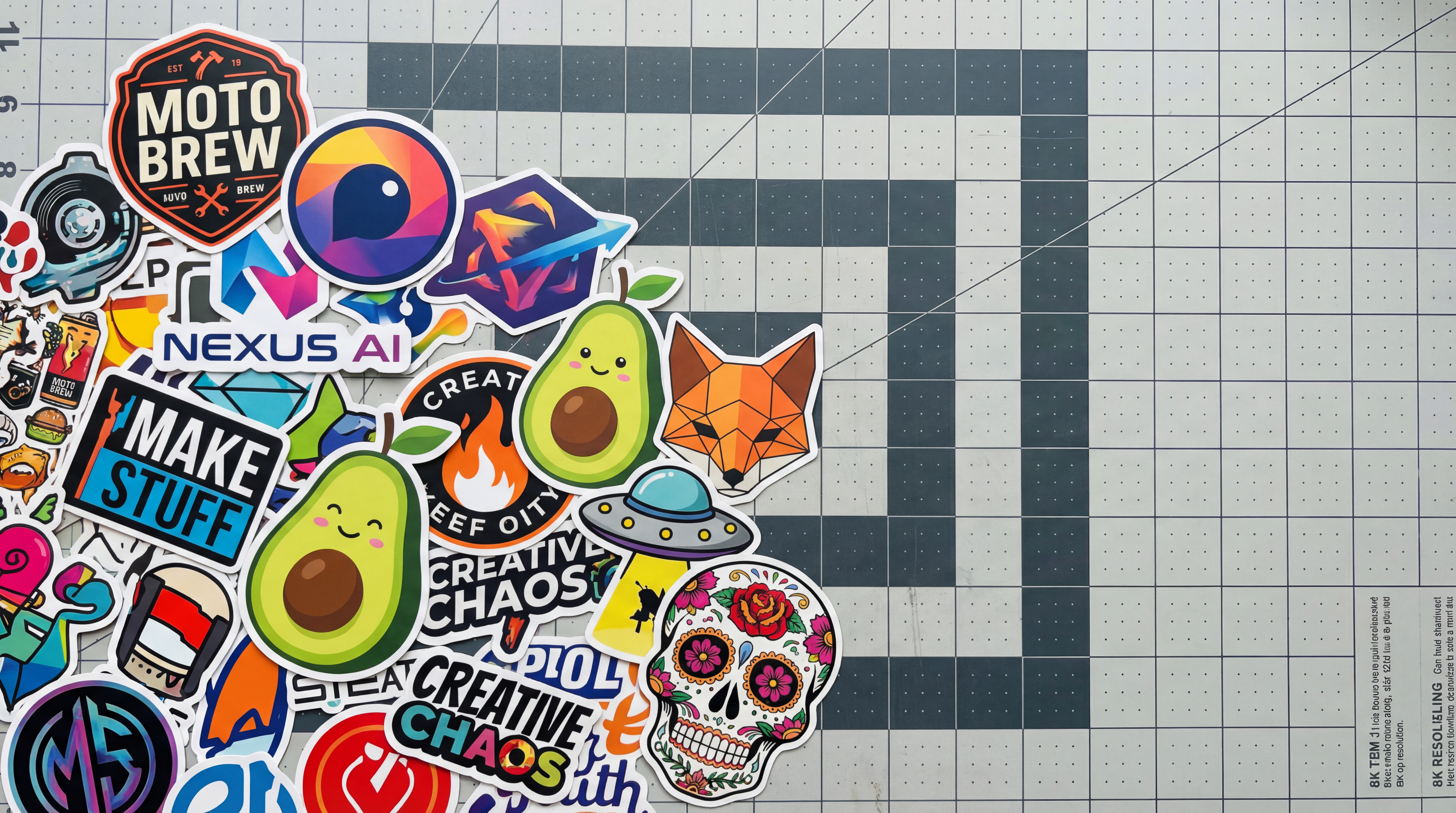
Full-Cover Collage: Cover the entire lid with overlapping stickers of varying sizes. Start with your largest sticker as an anchor piece near the center or slightly off-center. Fill gaps with medium and small stickers, working outward. Keep a 0.5-inch border around the edges to avoid stickers peeling from the corners.
Centered Statement Piece: Choose one bold sticker, 4 to 6 inches wide, and place it directly in the center of the lid. Leave the rest of the laptop bare. This approach looks deliberate and works well for logos, custom artwork, or a single meaningful graphic.
Corner Cluster: Group five to eight smaller stickers in one corner of the lid, mixing shapes and sizes. This is a good starting point if you are new to decorating your laptop with stickers, since you can add to the cluster over time without committing to a full layout from the start.
Row or Grid Layout: Arrange stickers in a loose horizontal row across the bottom of the lid, or create a grid pattern with evenly spaced designs. This structured approach works well for sticker sets that share a common theme or color palette.
Interior Decoration: The area above the keyboard, around the screen bezel, or on the palm rest are secondary placement zones. Smaller stickers or thin strip designs work best in these areas. Keep any stickers clear of the trackpad and vents.
How to Put Stickers on a Laptop Properly
Laptop Sticker Care and Maintenance Tips
Sticker Types for Laptop Decoration: A Quick Comparison
| Sticker Type | Best For | Finish Options | Minimum Order | Key Advantage |
|---|---|---|---|---|
Laptop Stickers | Shaped designs, logos, illustrations | Glossy, Matte | 1 | Stickers designed to work seamlessly with laptops |
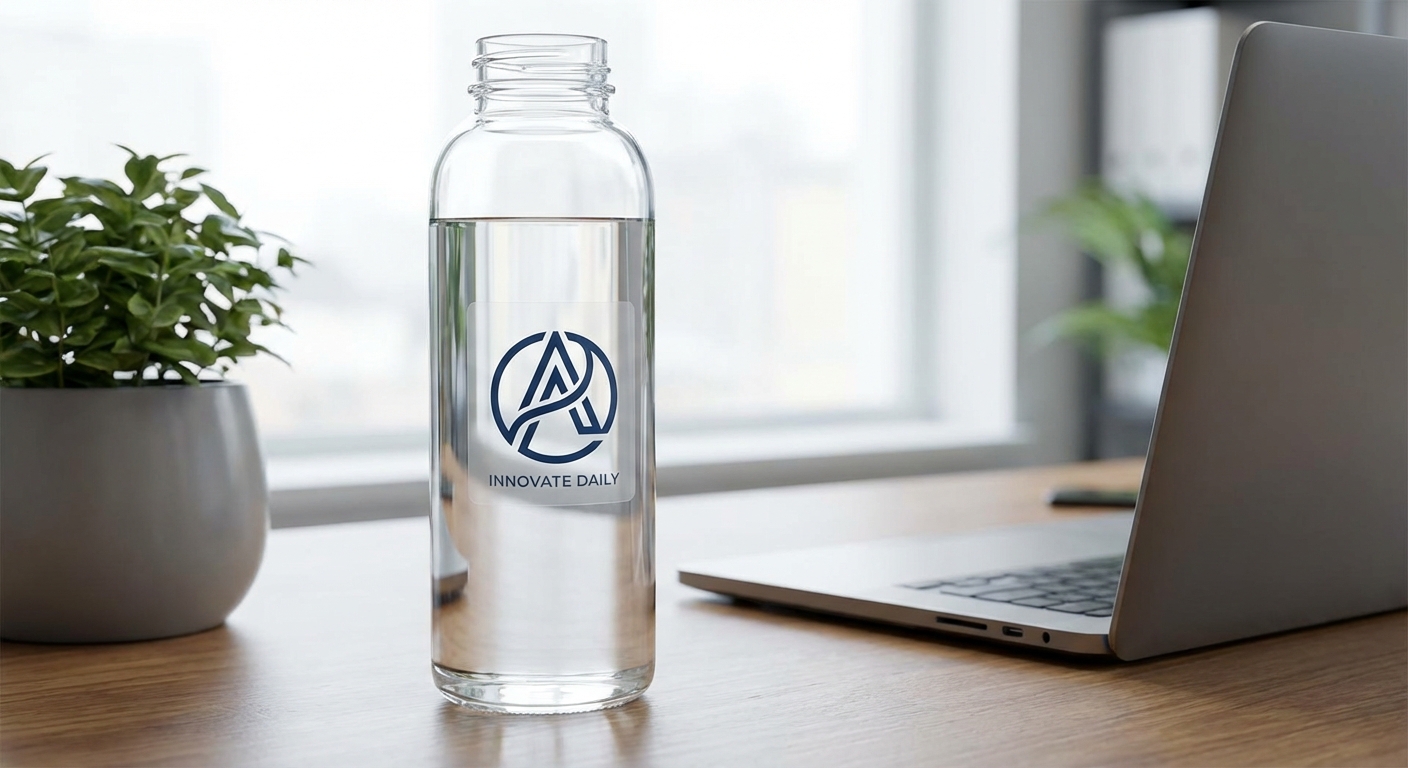
Clear Stickers | Minimalist or transparent-background designs | Glossy | 1 | Design appears printed directly on the laptop surface |
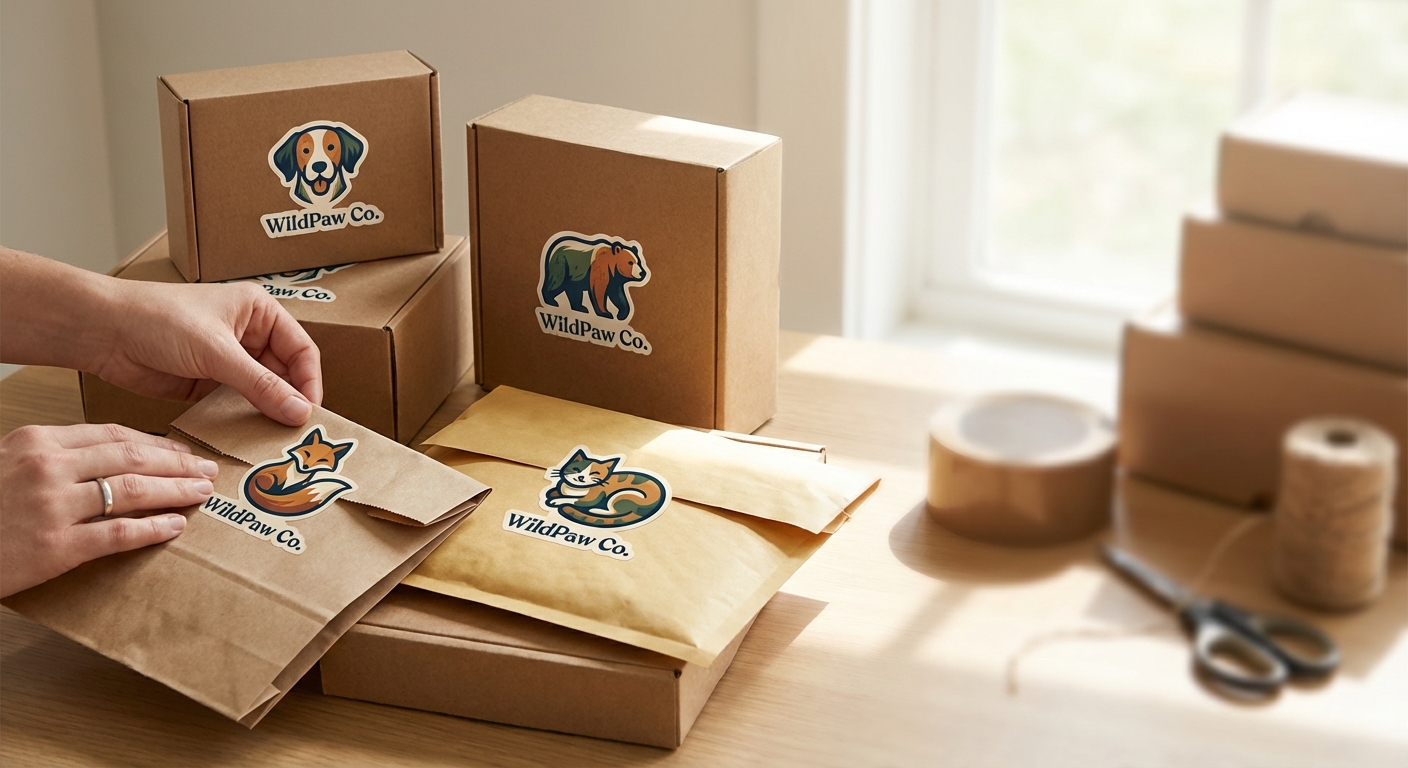
Animal Stickers | Playful designs that stand out | Glossy, Matte | 1 | Adds personality to every surface |
Custom Vinyl Stickers | Any custom design, any shape | Glossy, Matte | 1 | Cut to exact design shape for a clean look |
Common Questions About Laptop Sticker Decoration
- What does putting a sticker on a laptop actually involve?
- Decorating a laptop with stickers means applying printed vinyl or paper-backed adhesive stickers directly to the outer shell or palm rest of your laptop. Most laptop stickers use a pressure-sensitive adhesive that bonds to smooth surfaces like the plastic or aluminum lid. Quality vinyl stickers, such as die-cut or custom vinyl options, are designed to adhere cleanly without damaging the surface and can be removed or repositioned with care.
- What types and sizes of stickers work best on laptops?
- Laptop stickers are the most popular choice for laptops because they are cut precisely to the shape of the design, giving a clean, finished look. Clear stickers are great for a subtle, almost printed-on appearance. Sizes typically range from 2 inches for small accent stickers up to 6 inches or more for focal-point designs. Animal stickers and custom vinyl stickers in the 2 to 4 inch range are versatile enough to mix and match across any laptop lid.
- How much do laptop stickers typically cost?
- Laptop stickers can start at just a few dollars each, especially when ordered in small quantities. At Stickers.com, you can order as few as one sticker, making it easy to test a design before committing to a larger order. Prices decrease per unit as quantity increases, so ordering a set of 10 or 25 stickers for a themed collection is cost-effective.
- What should I look for when choosing stickers for my laptop?
- Look for stickers printed on durable vinyl with a quality adhesive that bonds well to smooth surfaces. UV protection and scratch-resistant coatings are important if you carry your laptop frequently. Glossy finishes offer vibrant color, while matte finishes reduce glare and fingerprints. Choose die-cut shapes for a polished look, and make sure the sticker material is rated for indoor use. Avoid cheap paper stickers that can peel or leave residue.
- How long do laptop stickers typically last?
- High-quality vinyl laptop stickers printed with can last three to five years or longer under normal indoor use. Stickers with added UV and scratch protection coatings hold up even better against daily wear from sliding in and out of bags. The lifespan depends largely on the material and coating. Premium vinyl stickers from Stickers.com are built to maintain color and adhesion through extended everyday use without cracking or fading.
Shop Stickers for Your Laptop
 Stickers
Laptop Stickers
Starting at competitive rates for quantities from 1 to 10,000
Shop on Stickers.com